VSEEBOX, MADE SIMPLE
Less setup. More watching.
Set up your VSeeBox, solve streaming problems, and make privacy part of the picture.

YOUR EVENING, BACK ON TRACK

Your TV box goes online, too.
Give its connection the same attention as your phone or laptop.
01 / FIND YOUR MODEL
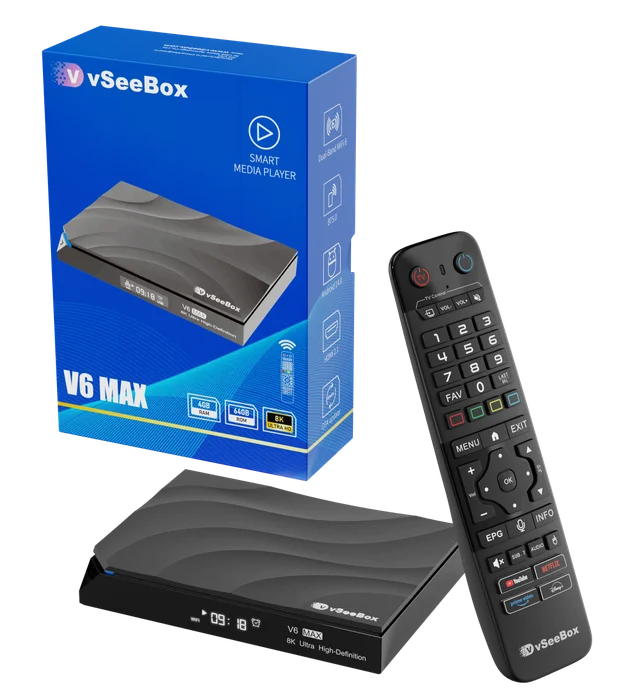
A familiar box. A clear next step.


02 / TAKE CHARGE OF YOUR PRIVACY
Make privacy part of your VSeeBox setup.
A VPN encrypts traffic between your box and its server and helps keep your home IP private from the services you visit. Choose your provider and follow our setup guide.
Affiliate links: we earn commissions on qualifying purchases. How it works.

One account. Up to 10 devices.
Connect your box, phone, and other supported devices.

More devices in your household?
Unlimited simultaneous VPN connections on paid plans; 3 during trial.
Check the official app on your box before buying. Review the total price, renewal terms, and refund policy at checkout.
A VPN is optional and does not guarantee anonymity, faster playback, or access to a streaming service. How VPN protection works →
03 / GET UNSTUCK
What’s not working?
Choose a symptom. We’ll help you narrow it down.


